An honest health check for your iPhone and iPad.
Storage, memory, battery, temperature, CPU and network as live gauges, rolled into one Device Health Score. A monitor, never a “cleaner.”
Free · iOS 26+ · Utilities
- Free forever
- Every feature included
- Live gauges
- iPhone + iPad
How it works
From first glance to the trend
-
1First open
Open it
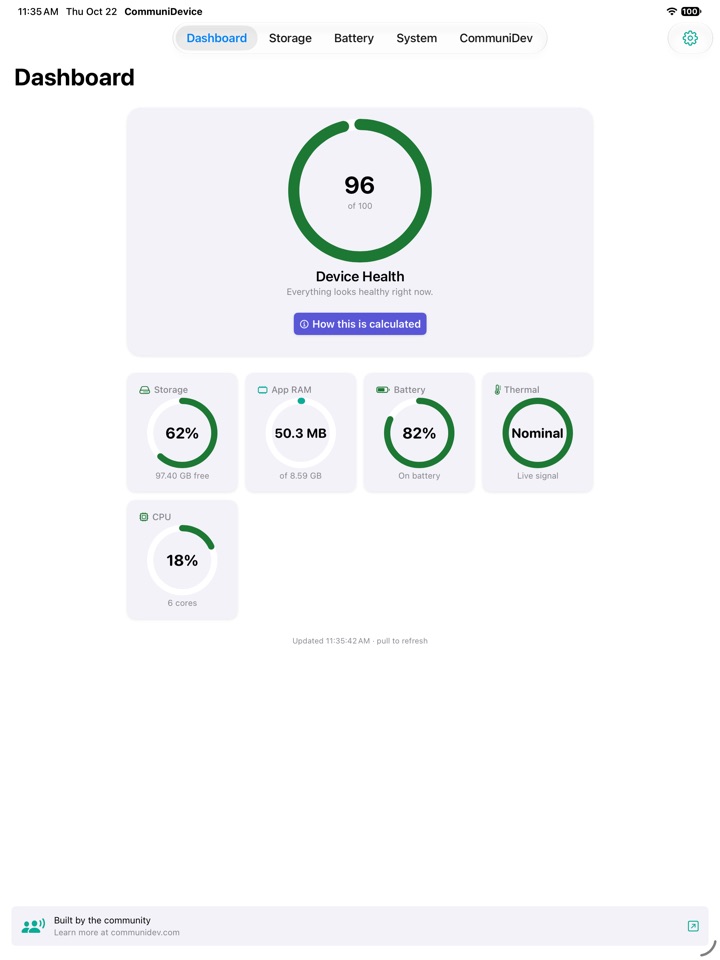
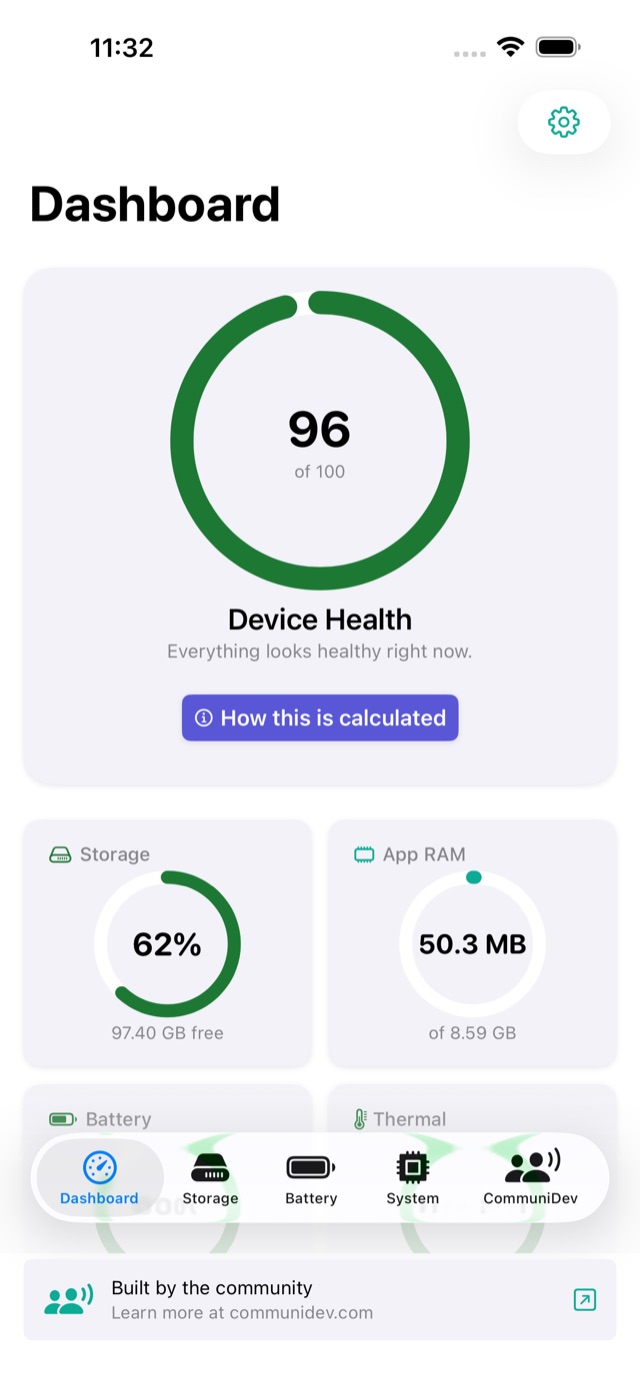
The dashboard reads your device the moment it appears: score, gauges, and a sentence about what stands out.
-
2Any tab
Dig into a tab
Storage, Battery or System. Each one explains its numbers and, where it helps, what you can do about them.
-
3Settings
Set your thresholds
Pick the storage and battery levels that matter to you. While the app is open it alerts you the moment they are crossed.
-
4A week later
Come back for the trend
Readings are logged on your device, so a week later the charts show where things are heading.
What it does
Real readings, in plain language
CommuniDevice shows you exactly how your device is doing right now. It reads what iOS actually exposes and explains it in plain language. It never pretends to “boost” or “free RAM,” because no app can.
One Health Score
Storage, memory, battery and thermal state combine into a single number and a sentence that says what, if anything, needs attention.
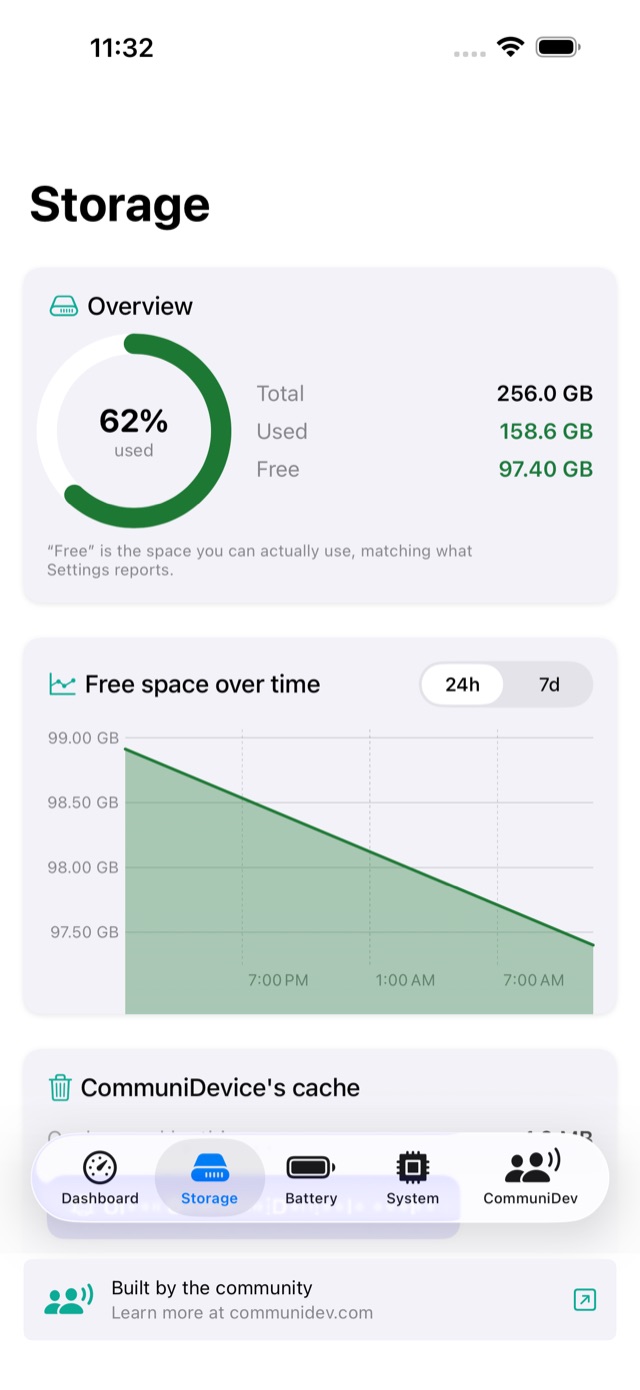
Storage you can see coming
How much space is really free, a trend chart so you notice it filling up early, and practical guidance on reclaiming space.
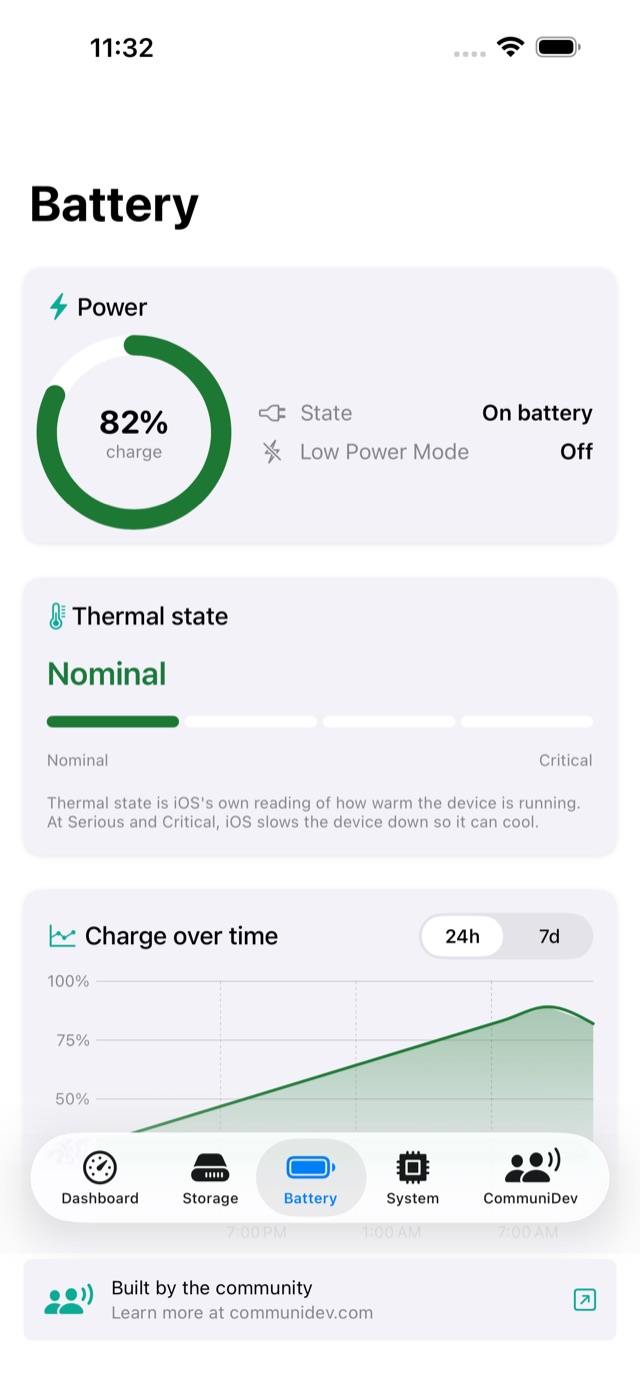
Battery & thermal, live
Charge level, charging state, Low Power Mode and the thermal signal most monitors ignore, so you know when the device is running hot.
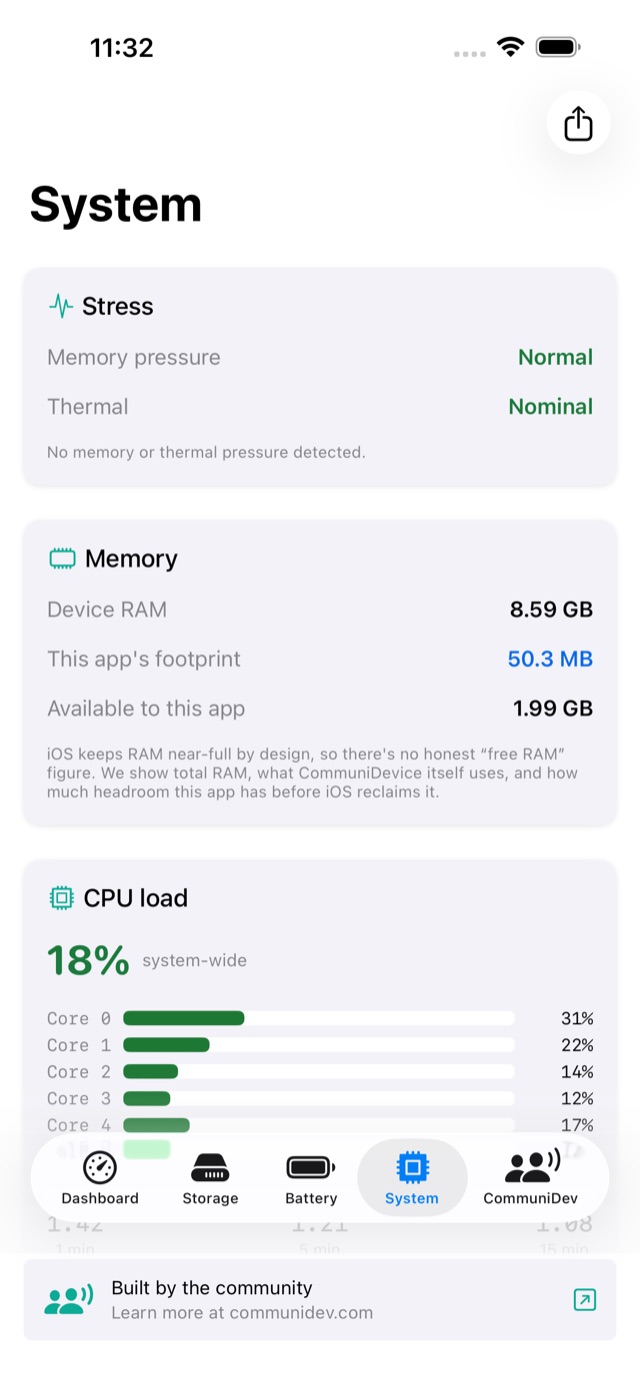
Memory & CPU, honestly
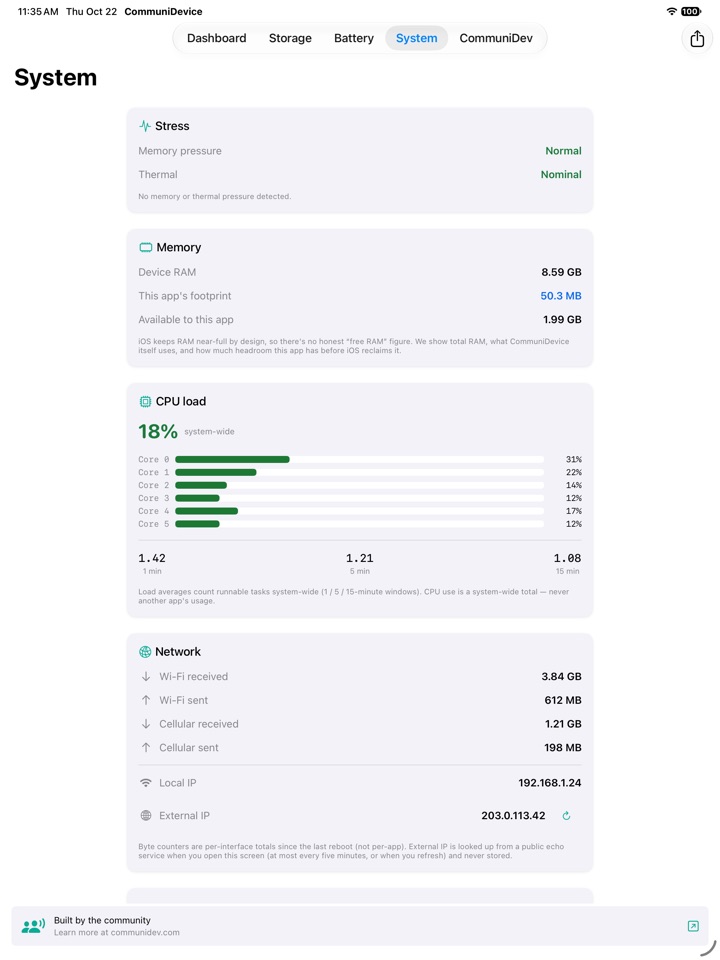
Your device’s RAM, what CommuniDevice itself uses, and processor load with 1, 5 and 15‑minute averages and per‑core activity.
Trends and alerts
Readings are logged on your device for trend charts, and while the app is open it can alert you when storage runs low, the device gets hot, or the battery is low.
The full spec sheet
Model, chip, screen, iOS version, uptime, boot time, network counters and your local and external IP. Copy or share any of it.
On iPad too
One download, both devices
CommuniDevice is universal: install it on your iPad and the dashboard spreads out across the width, with the same live readings. There is nothing extra to buy or download.
Trends and settings are kept on each device.
A look inside
Honest to the decimal
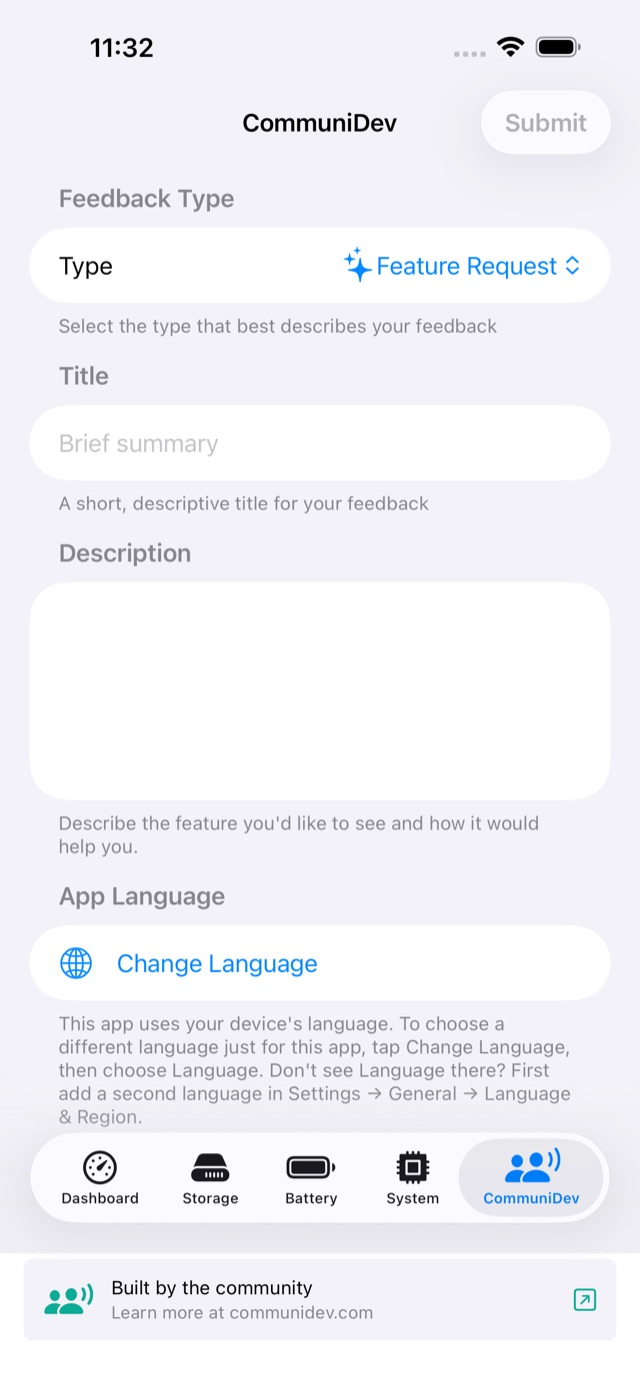
Every tab is a live view of one part of your device, readable at a glance.
Know your device, honestly
Every feature is included. After the first free day, one short ad opens the app for the next 12 hours. That’s the whole business model.
Free, no subscription.
What you need
- iPhoneiOS 26 or later
- iPadiPadOS 26 or later
- PermissionsNone required; notifications optional
- CostFree, ad supported