An AI assistant that runs on your iPhone or iPad.
It works even with no signal. Download open models once, chat offline, then play them at chess and more in the Arena.
Free · iOS 26+ · Productivity
- Free forever
- Works offline
- Runs on your device
- No account
How it works
From download to the Arena
-
1Library
Pick a model
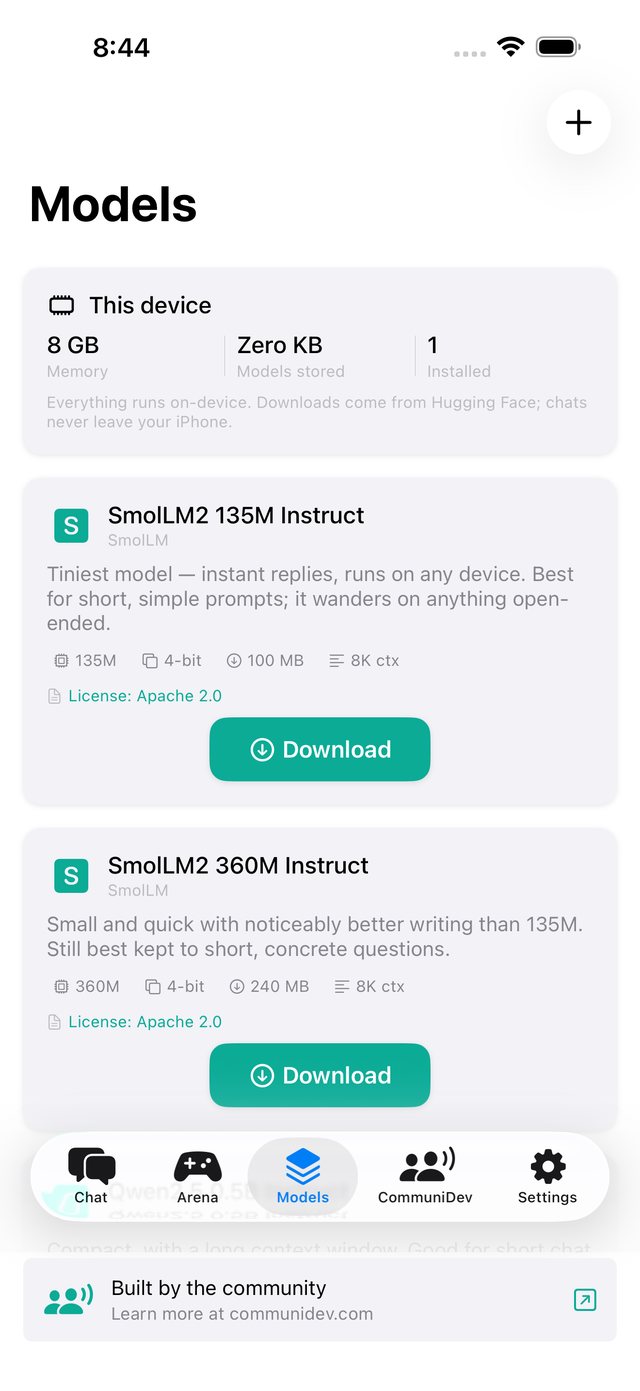
Small ones are a few hundred megabytes and quick; 7B ones take a few gigabytes and give fuller answers.
-
2Once, on Wi‑Fi
Download it once
The model comes from Hugging Face’s public library and is stored on your device. Wi‑Fi recommended.
-
3Anywhere
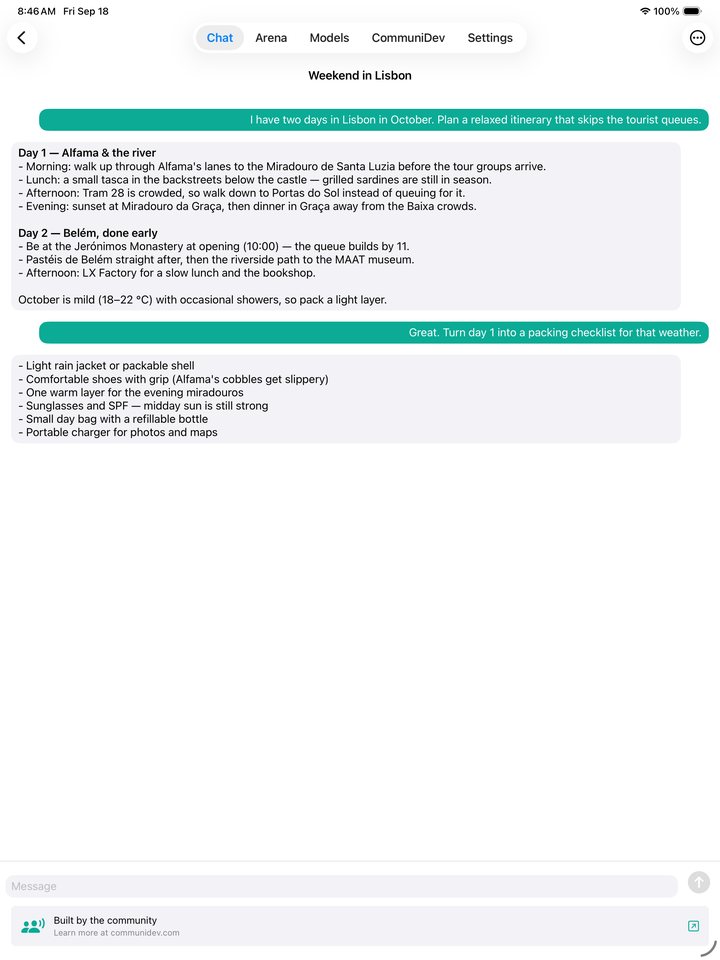
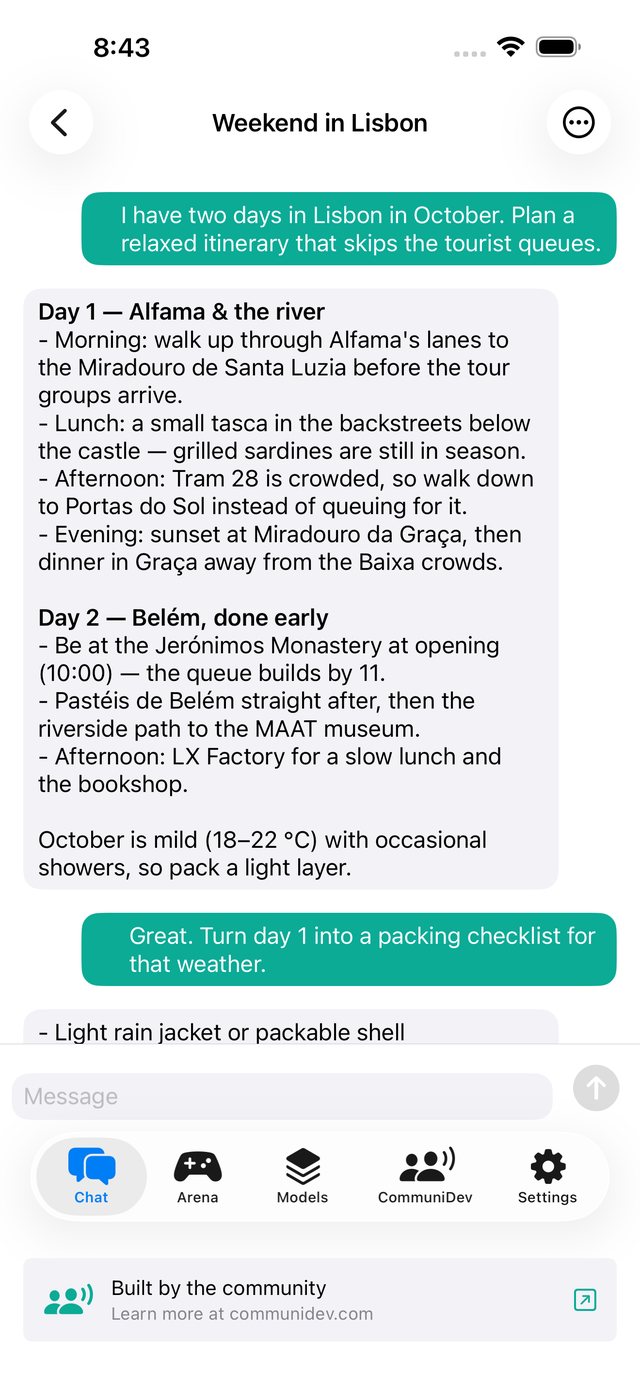
Chat, offline
From then on every reply is generated on the device by Apple’s MLX framework, connected or not.
-
4Arena
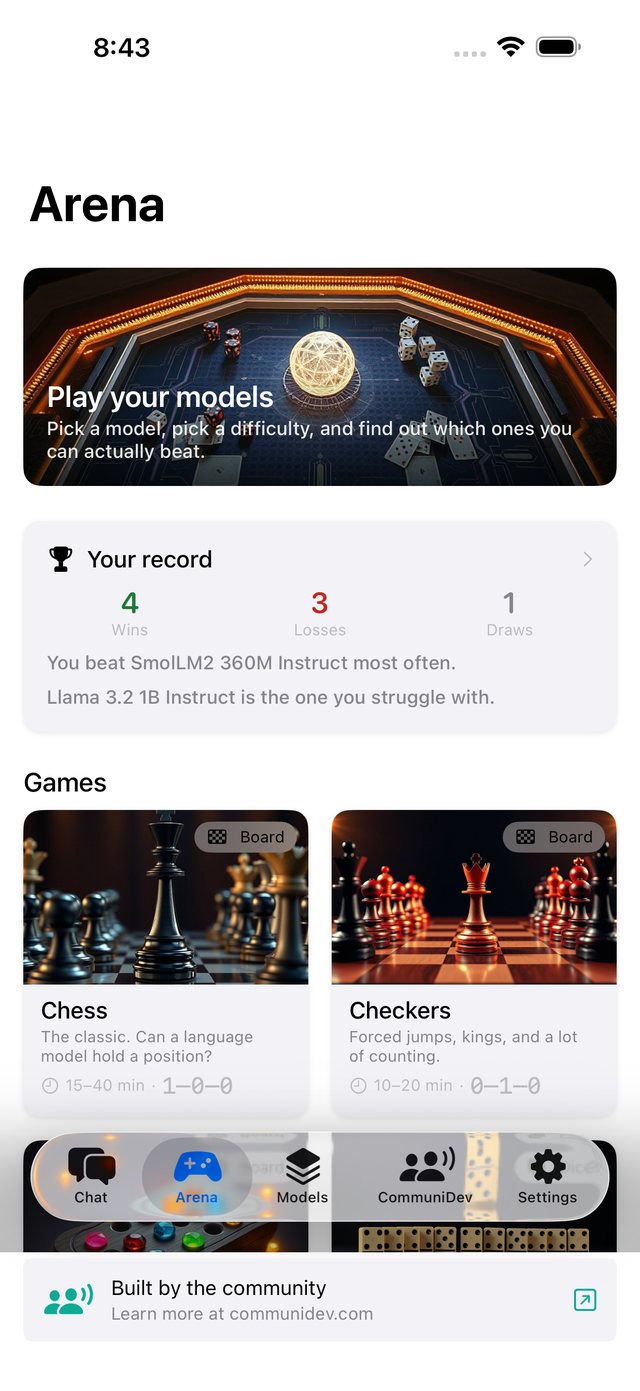
Take it to the Arena
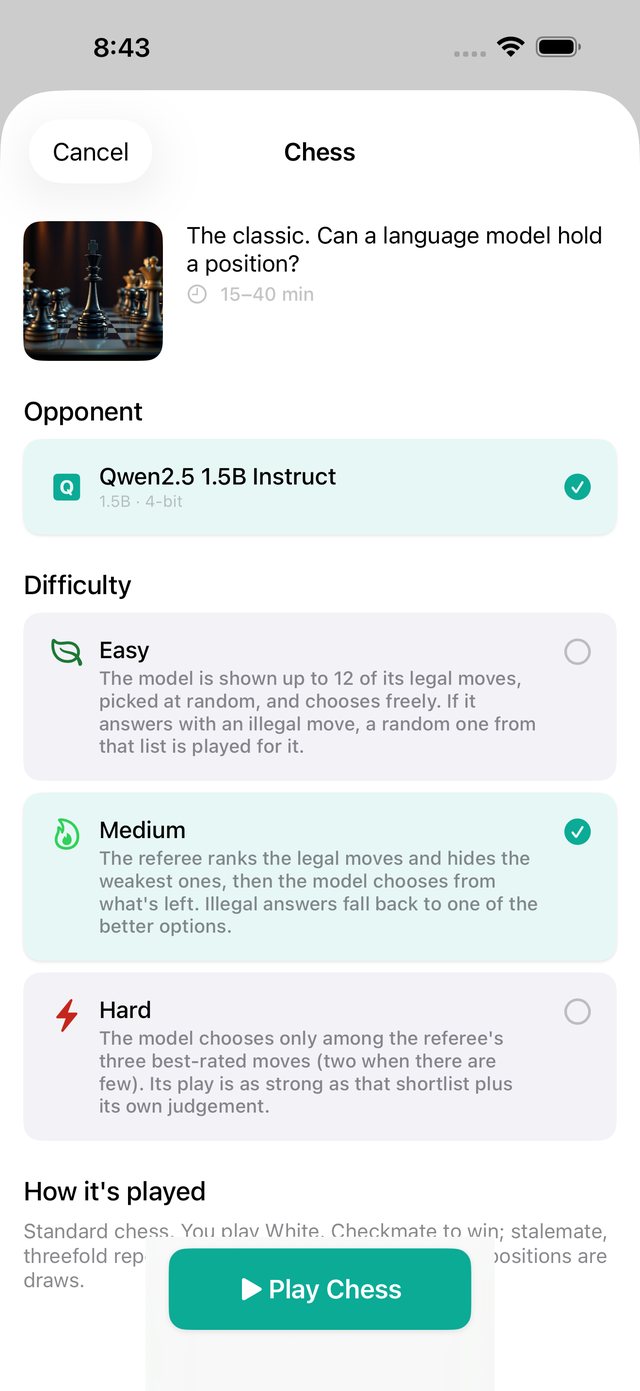
Pick a game and a difficulty, play the model, and watch your scoreboard fill up.
What it does
Open models, on your device
Think of it as Ollama for iOS. Pick an open model from the library and download it once. Every reply after that is generated on your device by Apple’s MLX framework, with no per‑message fees and no signal needed. Then take your models to the Arena and find out which ones you can beat.
A curated model library
SmolLM2, Qwen2.5, Llama 3.2, Gemma 2, Phi‑3.5 and Mistral 7B, or import any MLX model from Hugging Face yourself.
Matched to your device
Every card shows download size, memory needed and license, and a Recommended section lists the models your device can run.
Works with no signal
Once a model is installed, chat on a plane, in a tunnel, anywhere. The model on your device does the work.
Shape the assistant
Tune temperature, reply length and the system prompt, save named assistants, and keep as many chats as you like.
The Arena
Play your models at Chess, Checkers, Mancala, Dominoes, Backgammon, Blackjack, Poker and Last Card on Easy, Medium or Hard.
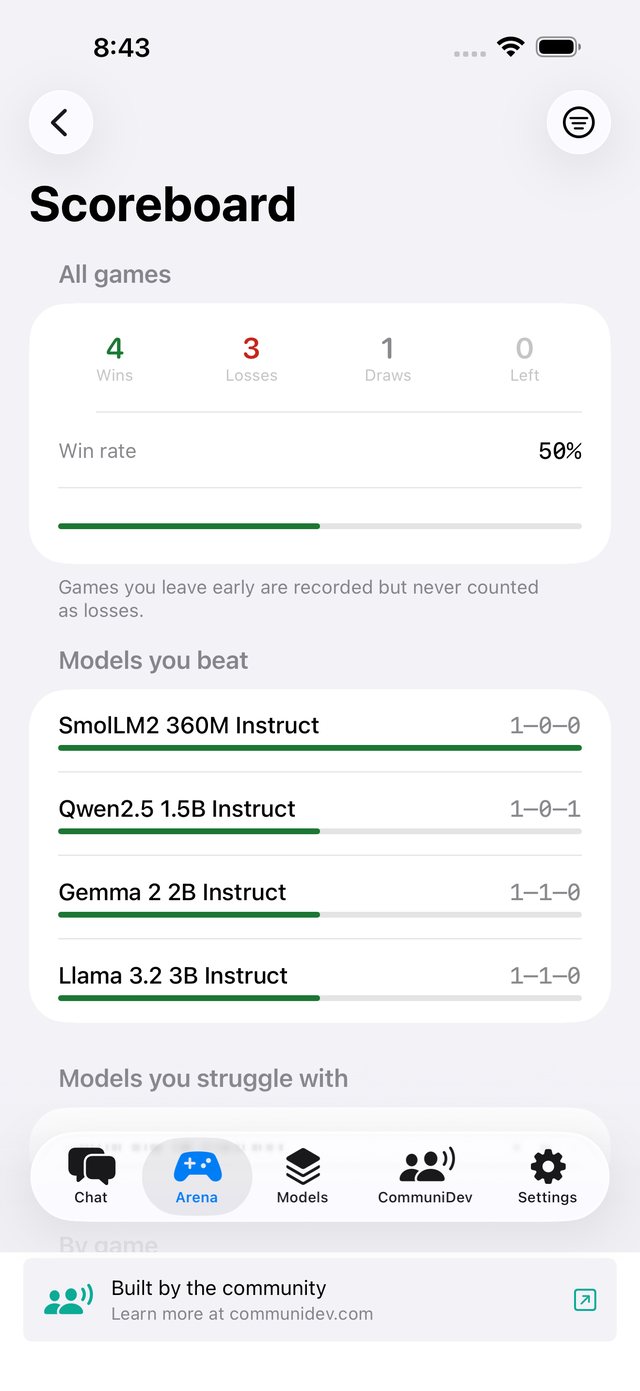
A scoreboard per model
Wins, losses and draws for every model in every game: the ones you beat, and the ones that keep beating you.
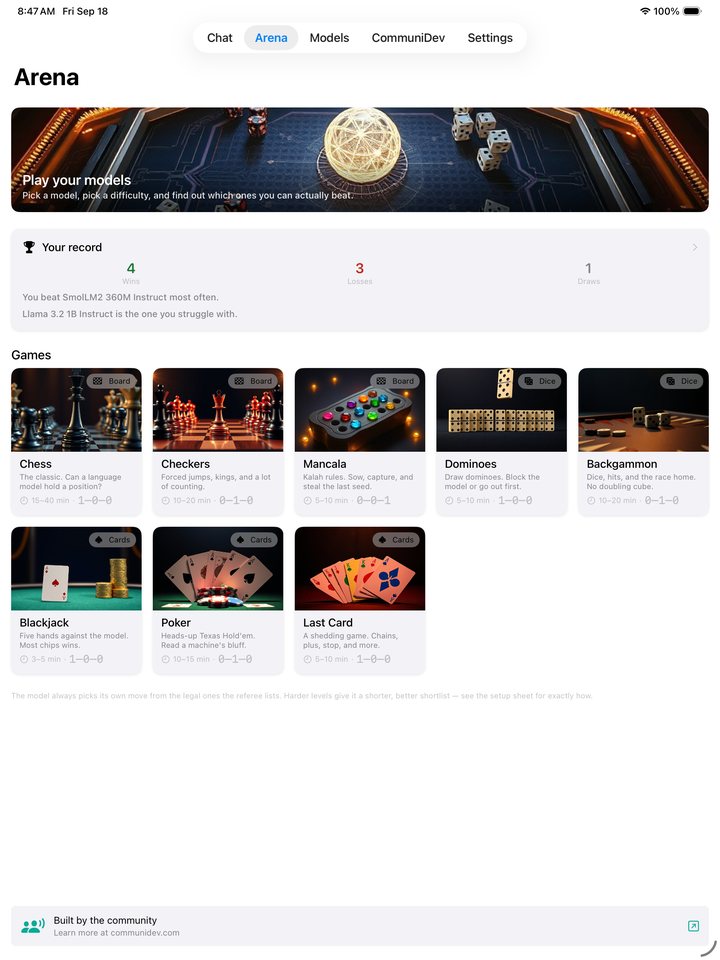
On iPad too
Room for bigger models
The largest models in the library, the 7B ones, need a device with 8 GB of memory, and the app checks yours before you download. It’s the same app on iPad, with nothing extra to buy or download.
Chats and models are kept on each device.
A look inside
Everything runs on the device
The conversation, the model library and every game in the Arena. The model you downloaded does the talking and picks the moves.
AI answers can be wrong
Replies are generated by open models and may be inaccurate. Please don’t rely on them for medical, legal or financial decisions. Each model is published by its own maker under its own license, linked from its card.
Run open AI models on your own device
Every feature is included. After the first free day, one short ad opens the app for the next 12 hours. That’s the whole business model.
Free, no subscription.
What you need
- DevicesiPhone or iPad
- SystemiOS / iPadOS 26 or later
- Space per modelAbout 150 MB to 4.4 GB
- CostFree, ad supported