Save the places friends share. Find them on a map.
That restaurant a friend shared last month? Saved, pinned on a map, and still there when you need it.
Free · iOS 17+ · Travel
- Free forever
- Share sheet
- Stored on your iPhone
- No account
How it works
From a friend’s post to your map
-
1In a chat
See a place you like
A friend’s Instagram post, a Yelp listing, a Google Maps link in a group chat.
-
2Share sheet
Share it to CommuniPlace
Tap Share, pick CommuniPlace. The post is saved right away. If something goes wrong you see a clear message, never a silent loss.
-
3Automatic
Let it find the spot
When the link carries a location, CommuniPlace looks it up on Apple Maps and drops the pin. Otherwise, search for it yourself in a couple of taps.
-
4In town
Go, and tick it off
Open the Map when you are in town, tap a pin, mark it visited. The list is always there, even offline.
What it does
One button in the share sheet
Someone shares a café, a viewpoint, a bakery worth the detour, and a week later it is buried under everything else. CommuniPlace adds one button to the iOS share sheet: tap it, and the place is saved. When the link carries a location, the app finds it on Apple Maps for you. When it does not, you search for it yourself in a couple of taps.
Save from the share sheet
Works from Yelp, Instagram, Google Maps or any shared link or text, without leaving the app you are in.
Pinned on a map
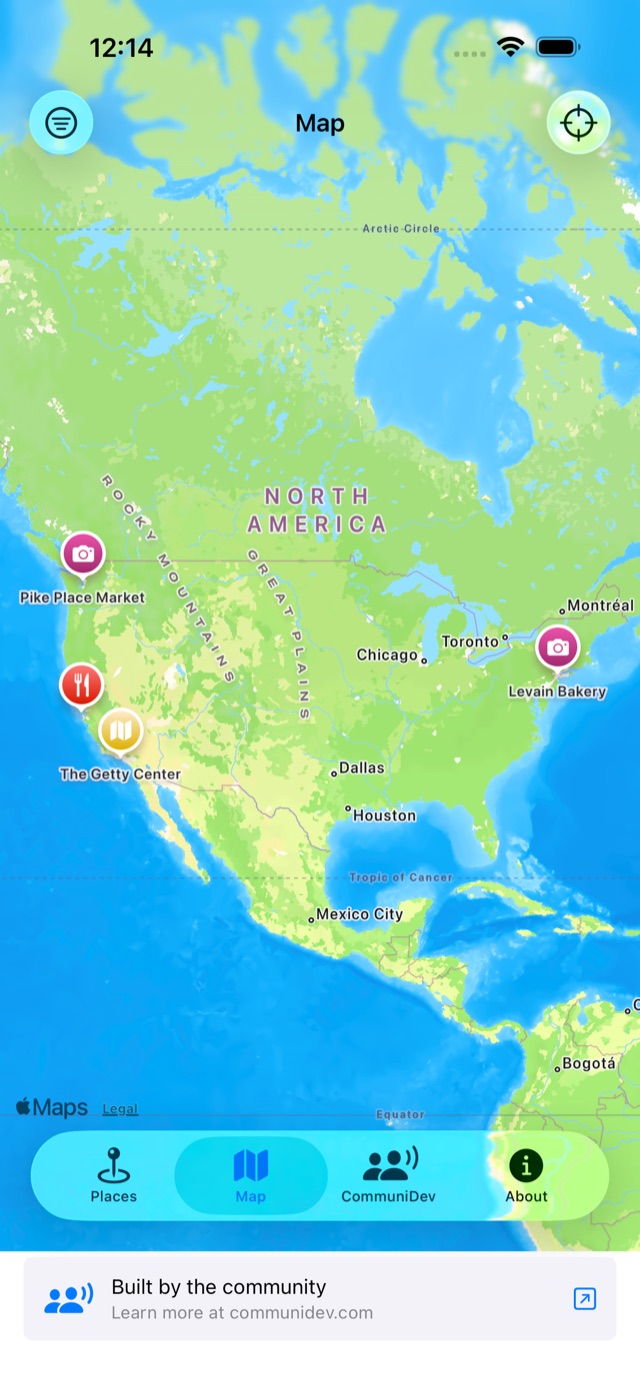
Every saved place lands on an Apple Maps view. Pins are coloured by where they came from, or pick your own colour.
Your own labels
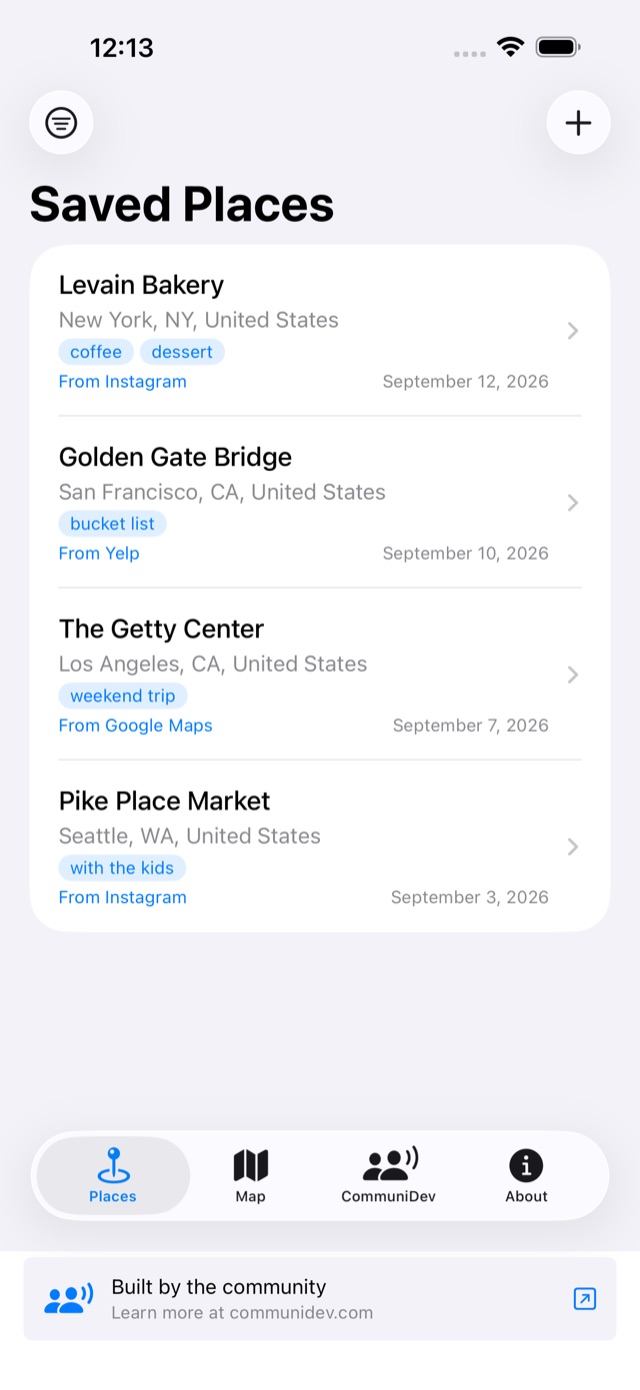
Tag places “weekend trip”, “coffee”, “with the kids”, then filter the list and the map by them.
Mark it visited
One tap when you finally go. Filter to visited‑only to see what you have actually ticked off.
Add any place by search
No link handy? Search Apple Maps from inside the app and save the result straight to your list.
Browse offline
Saved places are stored on your iPhone, so the list and details are there with no signal. Saving a new one needs a connection.
A look inside
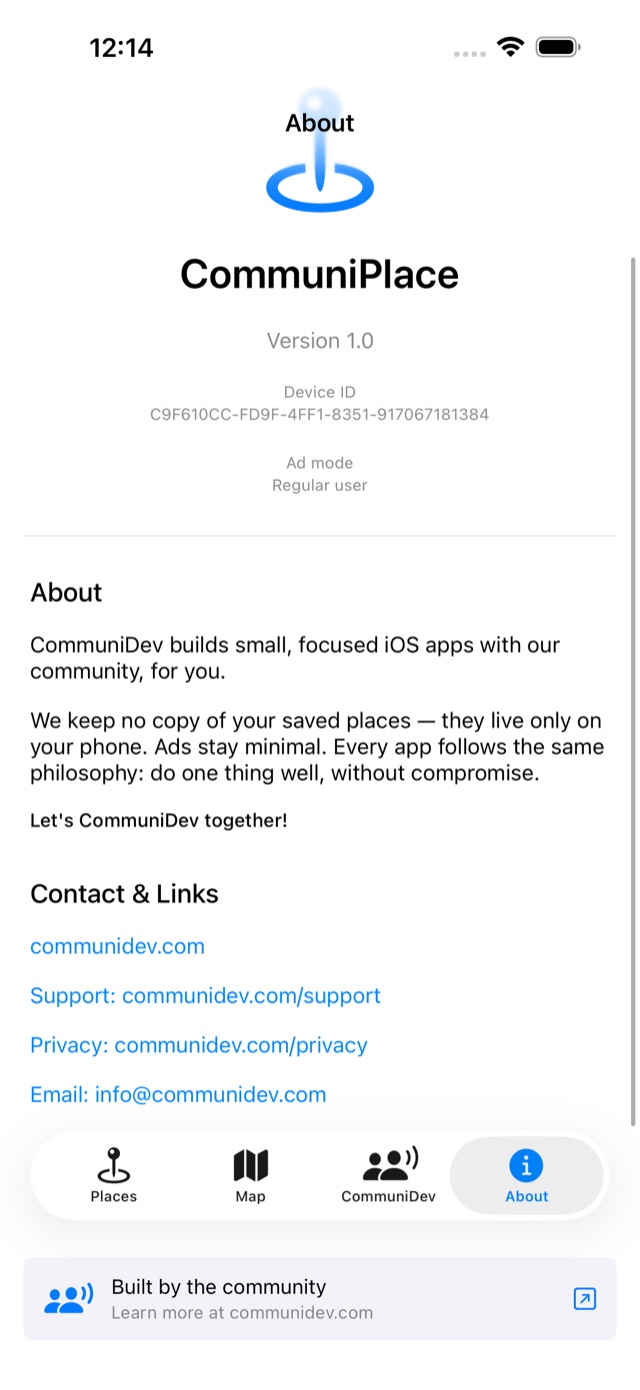
Four tabs, no setup
These are the screens you get on day one.
Never lose a place again
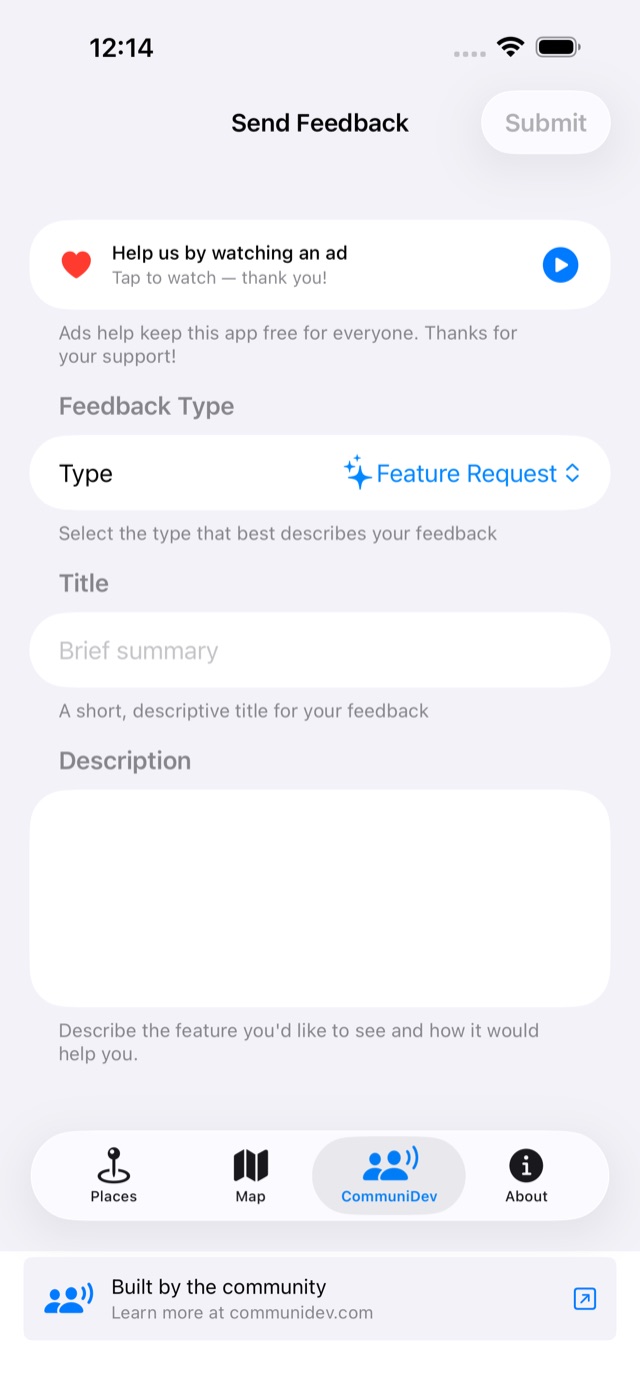
Every feature is included. After the first free day, one short ad opens the app for the next 12 hours. That’s the whole business model.
Free, no subscription.
What you need
- iPhoneiOS 17 or later
- Share fromYelp, Instagram, Google Maps, or any link or text
- PermissionsNone required
- CostFree, ad supported